Model
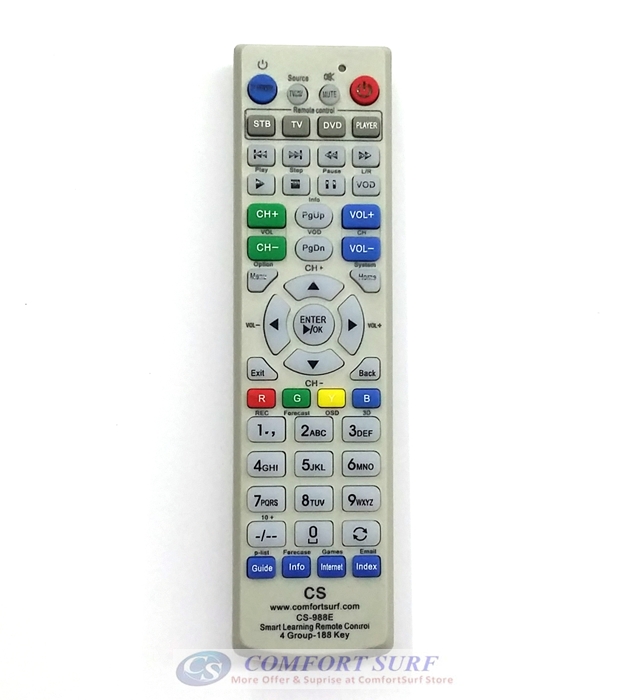
Item : TV_Universal_Remote_Control
Smart Universal Remote Control Learning Remote
Astro TV DVD Remote RC
Leaning
Guide:
A. Learning
“TV” Group
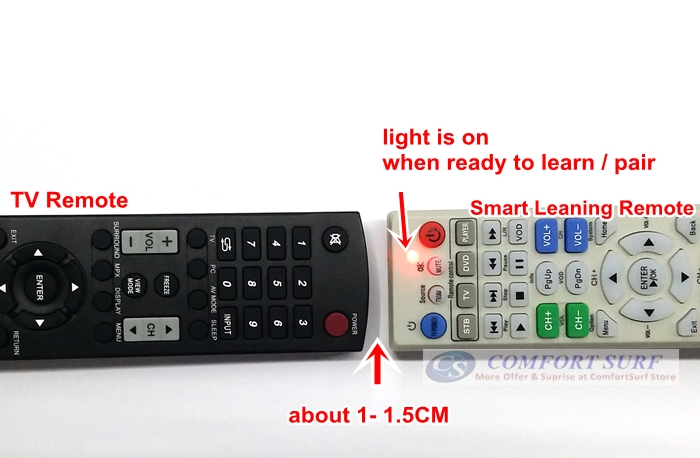
- 1. Place the remote
control you wish to learn facing to this Universal Remote Control (at
1cm distance)
- 2. Press anyone of
“STB, TV, DVD or Player” around 3 second (the LED red light become
brighter) and release, now you will be in “TV” Group Learning Mode.
- 3. Example if learning
“TV” POWER button, FIRST press the POWER button on this learning remote
control, the LED will blinking.
- 4. Now press the POWER
button on your original TV remote control, LED will fast blinking few
times and light up. It means learning power button success.
- 5. Repeat step 3, 4 to
learn other key until finished. Press again “TV” group button to exit
learning mode.
- 6. Now the TV group
can use to control your TV.
- 7. To learn others
group like DVD, STB or Player, just repeat above step.
This
Universal learning remote control can learn 4 group of remote control in
- 1. During application
, just switch to the group that you want to use. Each group can learn
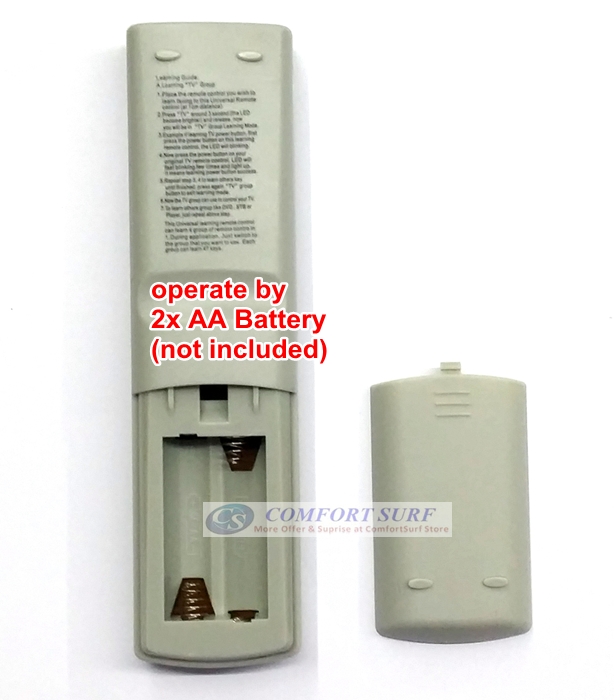
47 keys. Operate by 2x AA battery (not included)
Item
Include:
1
x TV_Universal_Remote_Control (battery is not include)